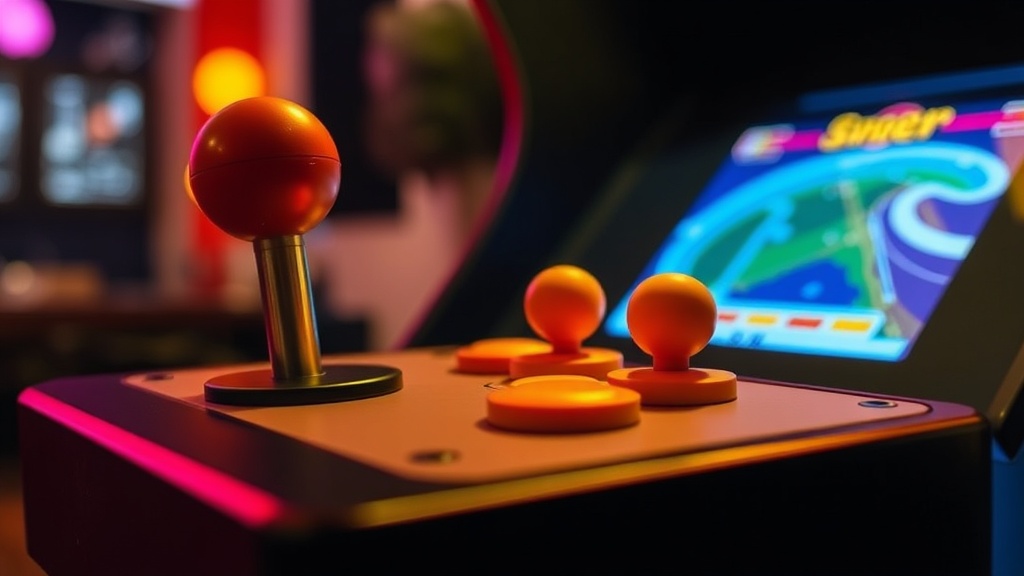
The life of your arcade joystick doesn't have to be short and full of sticky woes. You can significantly extend the playability and responsiveness of your machine's primary input device with some straightforward care. This quick tip guide will walk you through easy maintenance practices to keep your joysticks performing like new for years to come.
What Makes Arcade Joysticks Wear Out?
Arcade joysticks endure a lot of abuse—it’s the nature of the game. Repeated, forceful movements cause friction and stress on several key components: the microswitches that register directional inputs, the plastic or nylon pivot that allows smooth rotation, and the actuator that engages the microswitches. Over time, dust, grime, and even tiny plastic shavings from internal friction can accumulate, leading to sluggish movement, intermittent inputs, or—worse yet—complete failure. Understanding these wear points helps you target your maintenance efforts effectively.
How Can You Keep Your Joystick Smooth and Responsive?
Regular cleaning is your first line of defense. Gently remove the joystick balltop (most unscrew counter-clockwise) and then the dust washer. Use a soft brush or compressed air to clear away any loose debris from the shaft and around the base. For a deeper clean, you’ll need to carefully dismantle the joystick assembly from underneath your control panel. Wipe down the pivot and actuator with a lint-free cloth, perhaps slightly dampened with rubbing alcohol. Remember, never use abrasive cleaners.
Lubrication is also key. A small amount of non-acidic, silicone-based grease on the pivot and actuator can drastically reduce friction. Don’t overdo it—a thin, even coat is all you need, as applying too much can actually attract more dust and gunk. Sites like